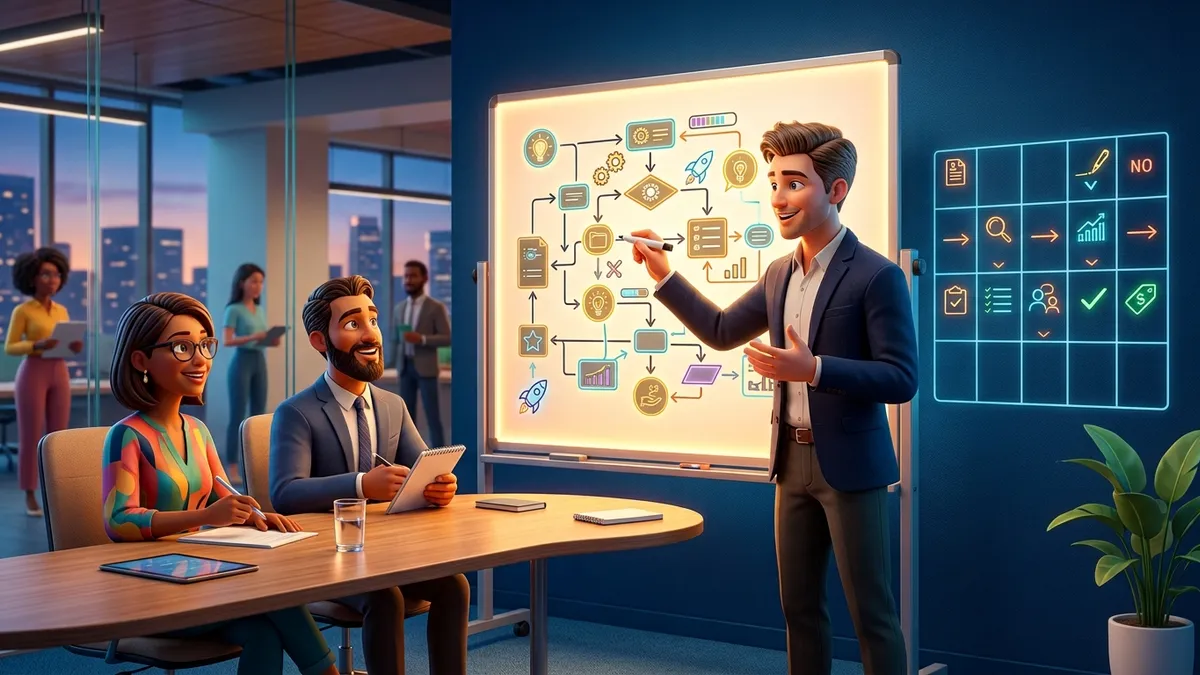
The Junior Developer Portfolio That Gets Interviews
Hiring managers spend ninety seconds on your portfolio. What to build, what to delete, and how to present projects so those seconds convert into interviews.

Hugo Nina
Founder & Editor
Marcus Webb
Fact Checked

Here’s the uncomfortable scene your portfolio must survive: a hiring manager with forty applications and twenty minutes gives your GitHub link about ninety seconds. They’re not reading your code line by line — they’re pattern-matching for signal: does this person build real things, finish them, and understand what they built?
Most junior portfolios fail that scan not for lack of effort but for misallocated effort — fifteen repositories of tutorial clones, no deployments, READMEs that say “todo app”. Having sat on the reviewing side, here’s what actually converts those ninety seconds into an interview, structured as what to build, what to delete, and how to present it.
What the ninety-second scan looks for
In rough order of weight:
- Live links. Deployed projects that open and work. Deployment says: this person can take something all the way. (Static hosting is free — there’s no excuse, and reviewers know it; our hosting guide covers the options.)
- A README with screenshots — because they’ll look at pictures before code, always.
- Originality of problem. Not “is the idea revolutionary” but “did this come from a tutorial or from a human noticing a need.”
- Commit history texture. Dozens of small commits over weeks reads “worked like a developer.” Two commits —
initialandfinal— reads “uploaded homework.” (Good history is a habit worth building early; our Git guide helps.) - Signs of care: error states handled, loading states, a test folder that isn’t empty, secrets not committed (yes, they check — hygiene basics are in our developer security guide).
Notice what’s absent: quantity, exotic tech, visual dazzle. Signal, not spectacle.
Build these: the 2–3 project portfolio
Project 1 — The real-problem app. One application that solves a genuine problem for a genuine user: a booking page for your cousin’s barbershop, a tracker for your climbing group, an inventory tool for a family shop. Real users force the lessons tutorials skip — authentication edge cases, bad input, “it broke on her phone” — and they give you a story interviews love: problem → decisions → users → what broke → what you’d change. This project should be full-stack for web roles: UI, server, database, deployed. (If you need the backend shape, start from our Express API tutorial — then depart from it.)
Project 2 — The depth project. One project that goes deeper than expected in your lane: a CLI tool with real ergonomics, a data pipeline with tests and scheduling, a small interpreter, a browser extension people actually install. Depth signals curiosity and the capacity to push past “it works.” Bonus if it earned any adoption at all — five GitHub stars from strangers outweigh five certificates.
Project 3 (optional) — The AI-era project. A small application using LLMs properly — retrieval over some real documents, structured extraction, an agent that does one task well — demonstrates you’re current, and gives interviews a rich vein (see RAG explained and prompt patterns to do it right). Wrapper-around-a-prompt doesn’t count; error handling, evals and honest limits do.
That’s it. Two is enough; three is plenty. Every additional repo dilutes the scan.
Delete these (yes, actually delete)
Private-or-delete, today: the follow-along tutorial clones (every reviewer has seen that exact Netflix homepage), the fork farm, anything that doesn’t run, coursework with names like assignment3-final, and the abandoned experiments with one commit. Pin your 2–3 real projects so they’re the first thing visible. An archive of noise isn’t evidence of work; it’s camouflage over your signal.
The README that does the selling
Your README is read more than your code — by an order of magnitude. Template that works:
# TrailBuddy — hike planner for group trips

**Live:** trailbuddy.app · **Stack:** React, Express, Postgres, deployed on Railway

[screenshot — the money shot, annotated if helpful]

## Why
My hiking group planned trips across three chat apps and a spreadsheet.
TrailBuddy handles routes, RSVPs and gear lists in one place. 11 people use it.

## Highlights
- Magic-link auth (no passwords to leak)
- Offline-first gear checklists (service worker + IndexedDB)
- Weather API with caching to stay inside free tier

## What I'd do differently
State management sprawled as features grew; I'd reach for a store earlier.
Test coverage is honest but thin on the frontend (backend: 34 tests).
The “What I’d do differently” section is disproportionately powerful: self-awareness is a senior trait, and juniors who display it read as trajectory, not just position.
The AI-era rule: own every line
The 2026 twist reviewers talk about constantly: portfolios got shinier and interviews got more forensic. AI assistance means a junior can produce senior-looking code — so interviewers now probe: walk me through this function; why this schema; what happens if this API call fails? Polish you can’t explain is worse than modest work you own completely — it torches trust.
Use AI as leverage, absolutely (that’s the job now). But apply the ownership test to every merged line: could you rebuild this piece, and defend its decisions, on a whiteboard? If not, study it until yes, or simplify until yes. In interviews, honesty plays beautifully: “I scaffolded this with AI, then rewrote the query layer myself when I realized the N+1 problem” is a strong answer — it shows tooling fluency and comprehension.
Presentation logistics (thirty minutes, do them today)
- GitHub profile README with a two-line intro, your stack, and links to the pinned projects and portfolio page.
- A simple portfolio page — name, one paragraph, project cards with screenshots, links, contact. Static, fast, clean (an afternoon with our Astro tutorial does it). Don’t gold-plate the site; it’s a frame, not the painting.
- Writing helps more than juniors expect. One blog post per project — what you built, what surprised you — doubles as interview prep and turns your learning into public evidence. Employers hiring remote juniors especially weigh written communication (context in our market report).
Frequently Asked Questions
How many projects do I actually need? Two done deeply beats any larger number done shallowly. The scan rewards depth signals — deployment, tests, real users, honest READMEs — and those take time that a third or fourth project would steal. If you have one truly excellent project and one good one, you’re ahead of ninety percent of the pile.
Do contributions to open source count? Strongly, if they’re real: merged PRs to projects people use are third-party validation that your code passed someone else’s review. Even small fixes (documentation, reproducible bug reports, test coverage) signal professional workflow fluency. A green contribution graph made of your own daily commits is fine; merged PRs into established repos are better; both together are excellent.
Should I pay for a custom domain and fancy design? A domain costs little and reads as care — worth it. Fancy design is a trap for non-designers: a clean, fast, readable page (system fonts, good spacing, working dark mode if you like) presents better than an ambitious layout with rough edges. Reviewers are judging your engineering; the portfolio site just needs to not get in the way. Spend the saved weekend improving a README instead.
What if my best work is private (job or client code)? Describe it without violating anything: a case study — problem, constraints, architecture sketch, your role, measurable outcome — demonstrates seniority even without a repo link. Pair it with one public project that shows code style. “I can’t show the code, but here’s how I think” is a normal, respected position; senior engineers’ portfolios are mostly this.
Final Thoughts
A junior portfolio is an argument, and the argument is: I can be trusted with real work. Two or three deployed, documented, honestly-understood projects make that argument in ninety seconds; nothing else reliably does. Build for a real user, write the README like it’s the product page, keep commit history like a professional, delete the noise, and be ready to defend every line you shipped.
The best time to start the real-problem project was three months ago. The second-best time is after you close this tab — your cousin’s barbershop still doesn’t have that booking page.